Second Brain — Note App Tiles
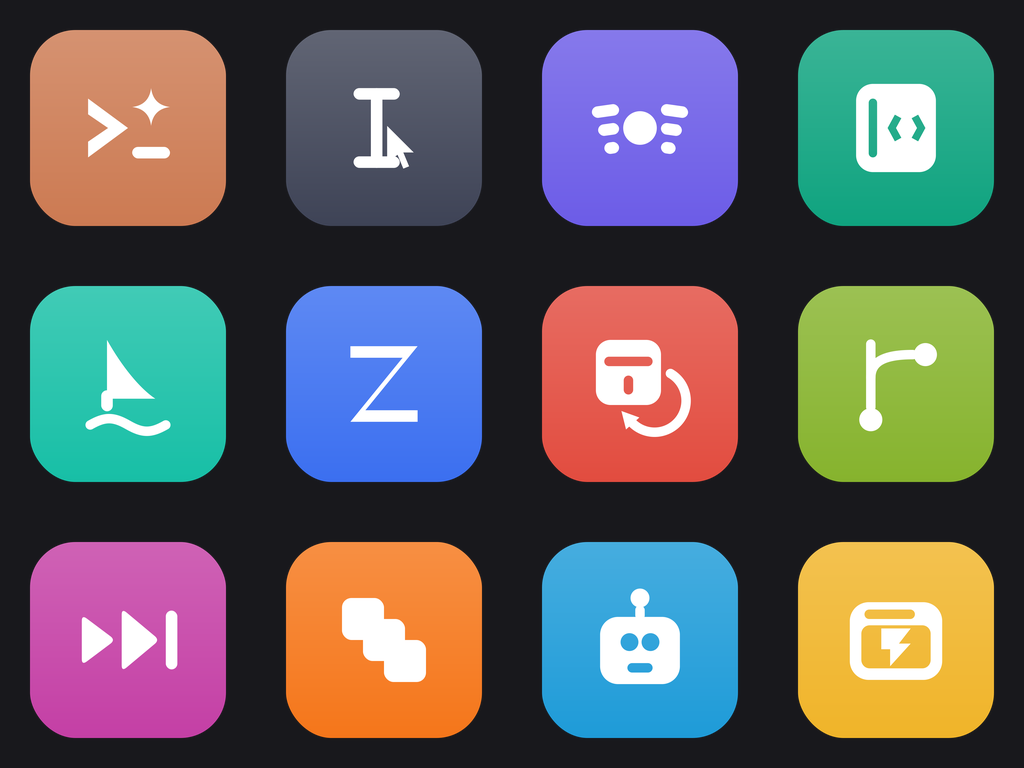
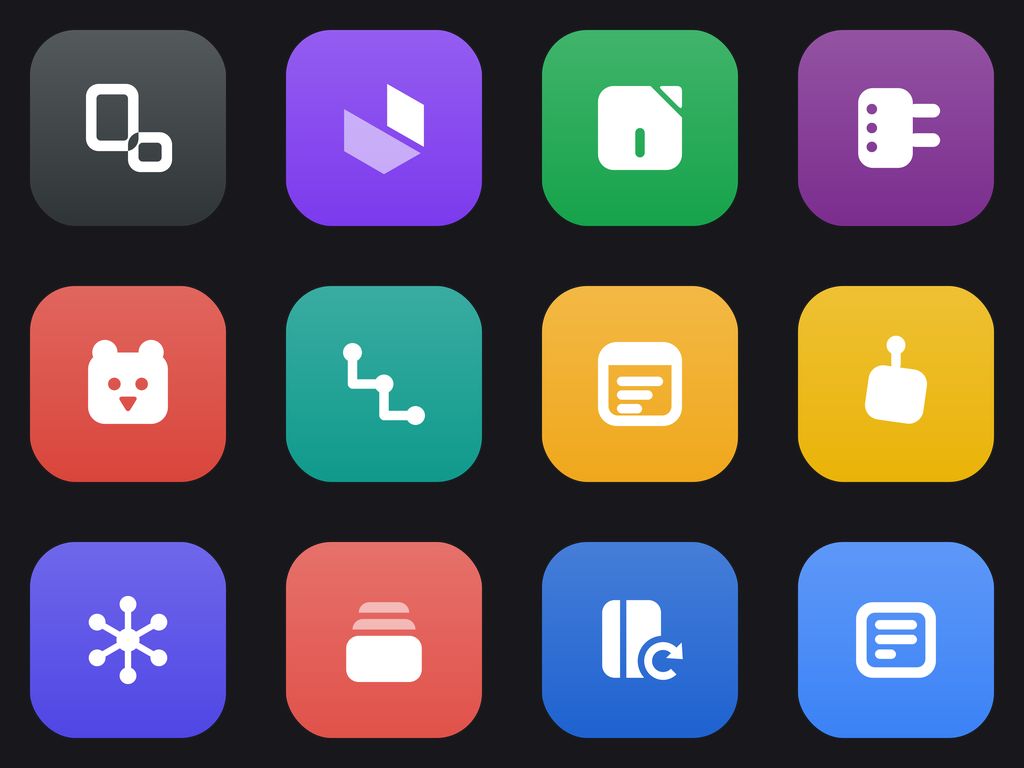
Twelve note-taking and knowledge-base apps rendered as flat squircle tiles, each with an original single-weight symbol drawn in white on a saturated brand-family tile. The marks are geometric reductions of what each app actually does — linked graphs, notebook ribbons, outliner bullets, markdown carets — rather than redrawn logos. Built for Windows desktop shortcuts, dock replacements, launcher grids and web app directories.
Second Brain — Note App Tiles
Every note app promises the same thing and organises it differently: one is a page that nests forever, one is a folder of plain markdown files, one is a graph of backlinks, one is an outline of collapsible bullets. This pack takes that difference and turns it into geometry. Each of the twelve tiles carries one original flat symbol — no lettering, no gradients inside the mark, no borrowed logo artwork — sitting on a squircle in the app's own colour. At 256px they read as a launcher grid; at 32px they still read as twelve different things. Ships as SVG, ICO and PNG for Windows shortcuts, web directories and dock skins.
Format: SVG + ICO + PNG. Every icon ships as vector source in Icons/SVG/, a transparent 1024x1024 PNG in Icons/PNG/, and a multi-size Windows .ico (16-256 px) in Icons/ICO/.
Using them: drop an .ico onto a folder via Properties → Customize → Change Icon, or onto a shortcut via Properties → Shortcut → Change Icon. The SVGs are the source art for web, docs, and app UI — they stay sharp at any size; the PNGs are there for anything that can't take a vector.
Container: squircle-tile — a rounded-square (squircle) app tile with a large corner radius. Every icon in the pack shares it at the same scale.
Icons in this pack
- Notion: A nested page stack — the block-inside-a-block structure the app is built on.
 (.svg · .ico)
 - Obsidian: A cut gemstone facet — the faceted stone the name evokes, and the linked-node vault beneath it.
 (.svg · .ico)
 - Evernote: An elephant-ear curl over a page corner — the memory mascot reduced to a dog-eared sheet.
 (.svg · .ico)
 - OneNote: A ring-bound notebook with section tabs — the binder metaphor the app keeps.
 (.svg · .ico)
 - Bear: A flat bear head silhouette — the app's animal, geometric rather than illustrated.
 (.svg · .ico)
 - Logseq: An outliner bullet chain — the collapsible block tree that defines the app.
 (.svg · .ico)
 - Apple Notes: A ruled pad with a torn top strip — the yellow legal pad the app imitates.
 (.svg · .ico)
 - Google Keep: A pinned sticky square — the board of pinned coloured cards.
 (.svg · .ico)
 - Roam Research: A ring of linked nodes — the networked-thought graph the app popularised.
 (.svg · .ico)
 - Craft: Stacked document cards — the block-card documents the editor assembles.
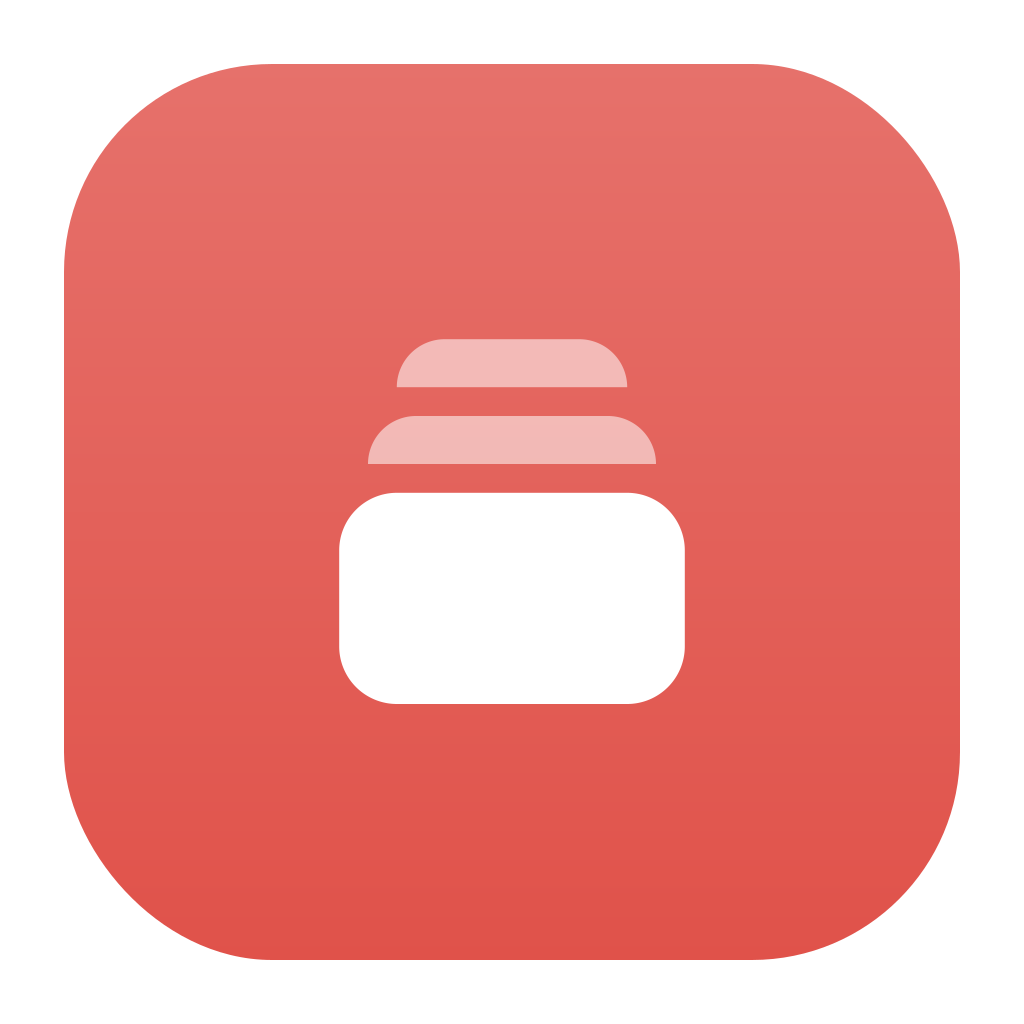 (.svg · .ico)
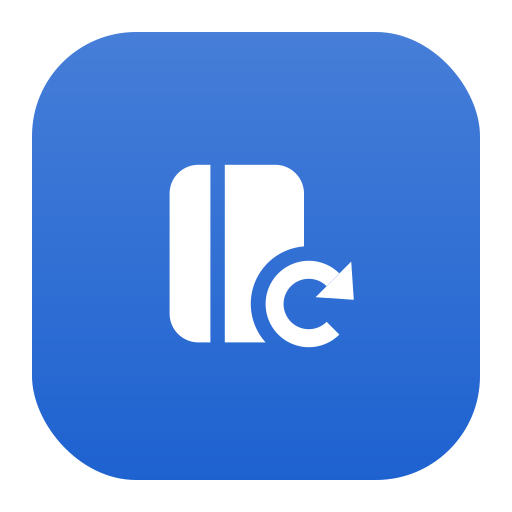
 - Joplin: A notebook with a sync arrow — the open-source notes app defined by its own sync target.
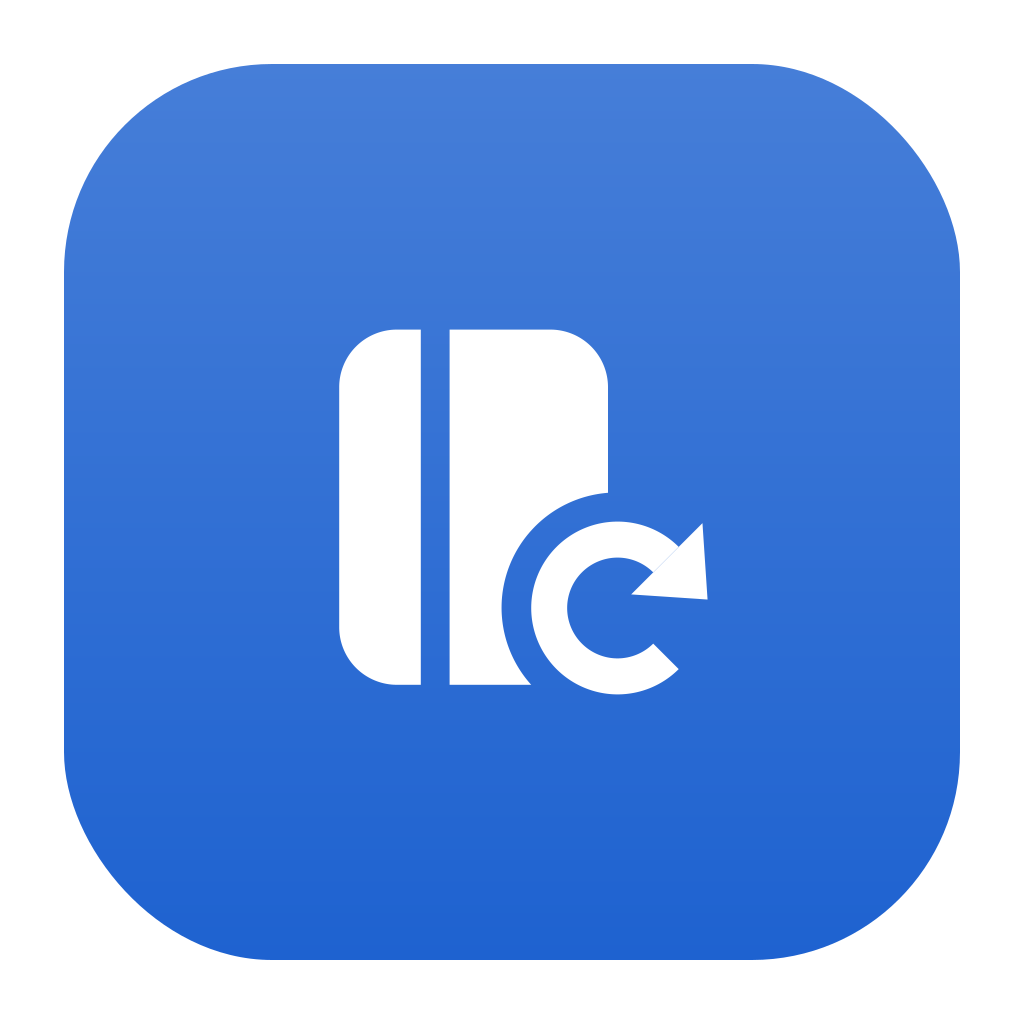 (.svg · .ico)
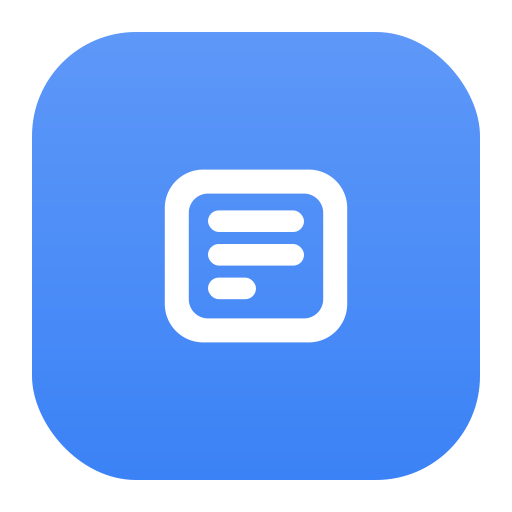
 - Simplenote: A bare ruled sheet — plain text and nothing else.
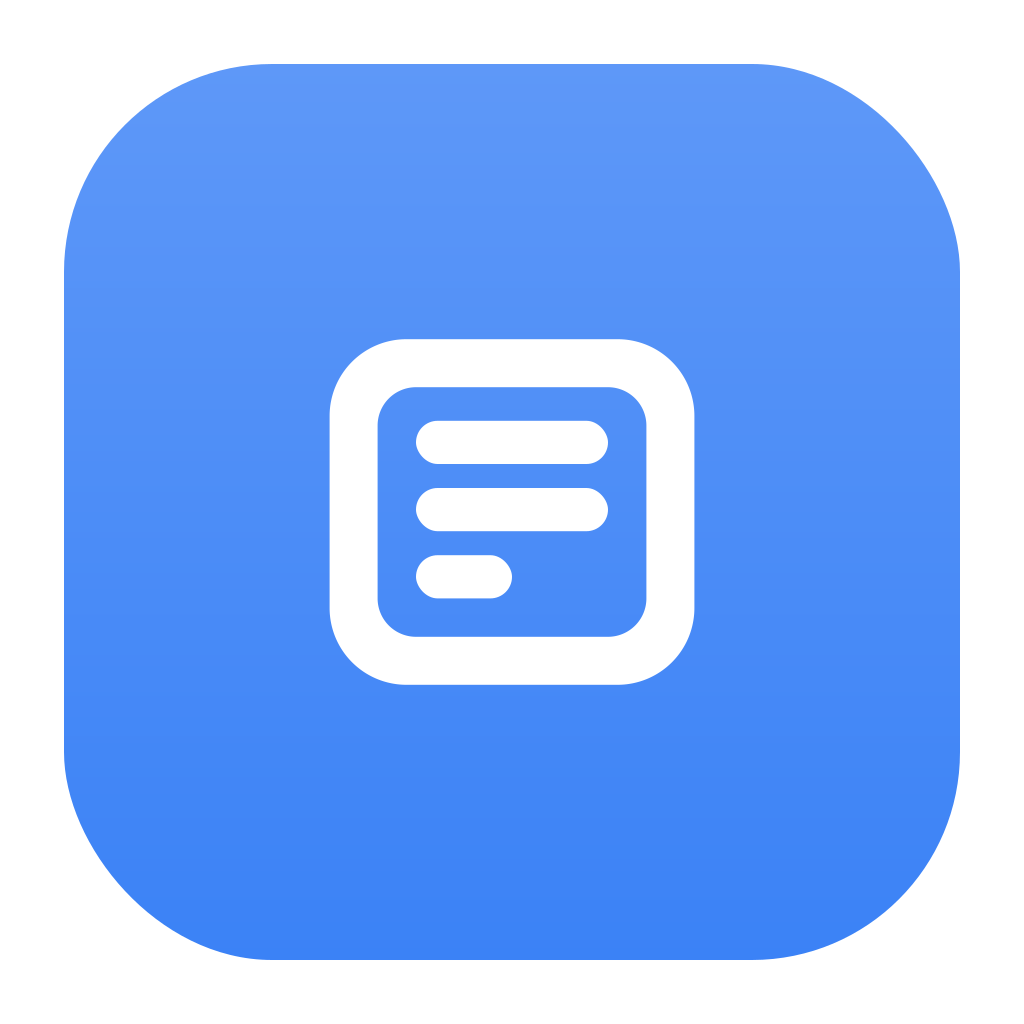 (.svg · .ico)





Prompt
Generation Prompts
- Concept model:
claude --print— claude-opus-4-8 - Glyph model:
claude --print— claude-opus-4-8 (SVG drawn directly, not an image model) - Format: SVG + ICO + PNG —
.svg(source) +.ico(Windows multi-size) +.png(1024x1024 RGBA) - Rasterizer: cairosvg, each
.icoentry rendered from the vector at its own size - Container: drawn by the generator, not the model — identical across the pack by construction
Pack Prompt
You are a senior icon designer producing a commercial icon pack for Windows desktop and web use — the kind sold on Iconfinder or posted on DeviantArt, not a stock-illustration set.
Design a cohesive pack of 12 icons on the theme: NoteTaking Apps — Notion, Obsidian, Evernote, OneNote, Bear, Logseq — squircle tiles.
This step is the concept only. You are not drawing anything yet — a second pass draws each symbol as SVG, and the container shape, the tile gradient, and the final document are generated by code. Your job is to decide what the pack is, who its twelve members are, and what colours it uses.
What a pack is
A pack is one category of similar, nameable things, drawn in one shared visual system. Think "Brave, Chrome, Edge, Firefox, Opera, Safari, Vivaldi" — or "Box, Dropbox, Google Drive, iCloud, Mega, OneDrive" — or "Photoshop, Illustrator, Figma, Canva, Affinity Designer". Twelve members of the same family, each instantly identifiable, all cut from the same cloth.
Name the real things. If the theme is browsers, name the actual browsers. If it is AI coding tools, name Claude Code, Cursor, Copilot, Codex. If it is cloud storage, name the real services. A pack of abstract inventions ("Chroma Bell", "Nebula Cloud", "Prism Home") is a failure — that is not what this is for.
But design an original mark for each. Do NOT reproduce a company's trademarked logo. Take the product's idea — what it does, its colour, its silhouette — and draw a fresh symbol for it in the pack's style. A Dropbox icon is a box or a stack of blue facets; a terminal tool is a prompt caret; a vector editor is a pen nib on a path. The set should feel recognizable at a glance without copying anyone's artwork.
If a theme genuinely has no real-world members (e.g. "Website Page Icons — Cart, Checkout, Orders"), then the 12 members are the concrete pages or functions themselves, still named plainly.
The shared visual system
Pick ONE container shape for the whole pack. The renderer draws it for you, identically on all twelve — you only choose which one fits the theme:
container |
Use it for |
|---|---|
squircle-tile |
app icons, browsers, mobile/desktop apps, AI tools |
folder-tab |
anything described as a folder pack — Windows folder icons |
circle-badge |
social, profile, status, round-dock sets |
rounded-square |
system/utility/taskbar icons, settings panels |
drive-block |
storage, backup, drives, sync services |
bare-glyph |
page/UI icons meant to sit inline in a web layout |
Colour
The pack is two-tone by design, and that is what makes it read as a set:
- Each icon gets its own
tile_color— the container behind it. This is where a member's identity lives: Firefox orange, Dropbox blue, Spotify green. Pick a saturated, distinguishable hex per icon; no two should be near-identical, and all twelve should look like one palette family rather than a random assortment. - The whole pack shares ONE
glyph_color— the symbol drawn on top of every tile. Almost always#FFFFFF; use a very dark neutral (e.g.#1A1A22) only if the pack's tiles are all pale. - For a
bare-glyphpack there is no tile, sotile_colorbecomes the symbol's own colour andglyph_coloris ignored.
Every colour must be a plain 6-digit hex string like #3B82F6.
Describing each symbol
Each icon's glyph_brief is an instruction to whoever draws it, in flat geometric terms — what shapes, in what arrangement. "A rounded upward chevron over a horizontal baseline bar" is useful; "a beautiful modern representation of growth" is not. Keep every brief phrased the same way and at the same level of detail, so the twelve come out at one optical weight.
Two hard constraints on what you may ask for, because the drawing pass is validated against them:
- No lettering. The renderer has no fonts. If a member is best known by a letter, describe the letterform as geometry ("two vertical bars joined by a crossbar") or pick a non-letter symbol instead.
- One colour per symbol. The symbol is drawn in the pack's single
glyph_color, with transparency as the only available second shade. Do not ask for a multi-colour symbol.
Return a JSON object
"title"— a catchy name for the pack."slug"— a kebab-case slug."description"— 2-3 sentences on the pack's style and what it is for."introduction"— a short intro paragraph for the pack's documentation."metadata":"style"— the visual style in a few words (e.g. "Flat vector, solid fills, single-weight symbols")."container"— exactly one of:squircle-tile,folder-tab,circle-badge,rounded-square,drive-block,bare-glyph."glyph_color"— the one hex colour every symbol is drawn in."palette"— the tile colour family in a phrase (e.g. "saturated brand hues, one per member")."keywords"— a list of 5 keywords.
"icons"— a list of 12 objects, each with:"name"— the thing itself, named plainly ("Firefox", "Google Drive", "Checkout")."concept"— one line on what the symbol shows and why it reads as that thing."glyph_brief"— the flat geometric description of this one symbol, per the section above."tile_color"— this icon's container hex.
"caption"— a short notification caption (e.g. "12 flat-vector browser icons in SVG, ICO and PNG.").
Return the JSON object and nothing else.
Drawing Contract (the glyph call)
You are drawing the SYMBOLS for a cohesive icon pack as SVG.

Pack: Second Brain — Note App Tiles
Theme: NoteTaking Apps — Notion, Obsidian, Evernote, OneNote, Bear, Logseq — squircle tiles
Style: Flat vector, solid fills, single-weight geometric symbols
Container: every icon is placed by our renderer inside a rounded-square (squircle) app tile with a large corner radius. YOU DO NOT DRAW THE CONTAINER, the tile, the background, or any border — those already exist. Draw only the symbol that sits inside.

## Rules — these are enforced by a validator, not by review

1. Draw each symbol in a plain square coordinate box from 0,0 to 100,100. Use the whole box; our renderer scales and centers it into the container for you.
2. Output BARE SVG shape elements only: `<path>`, `<circle>`, `<rect>`, `<ellipse>`, `<polygon>`, `<polyline>`, `<line>`, `<g>`. No `<svg>` wrapper, no XML declaration, no comments, no markdown fences.
3. **No `<text>` or `<tspan>`, ever.** The rasterizer has no fonts — a text element renders as nothing. If an icon needs a letterform, draw the letter as filled `<path>`/`<rect>` geometry.
4. No `<image>`, `<script>`, `<style>`, `<foreignObject>`, and no `href`/`src` pointing anywhere external. Nothing may be fetched at render time.
5. Colour: the symbol's default fill is already set to `#FFFFFF` by the renderer, so plain shapes need no fill attribute. You MAY set `fill="#FFFFFF"` explicitly, or use `fill-opacity` between 0.35 and 0.75 for a secondary shade. Do not introduce any other colour — one symbol colour plus its own transparency is what makes the pack read as a set.
6. Prefer solid filled shapes over strokes. If you do stroke, use `stroke="#FFFFFF"` with `stroke-width` between 6 and 9, plus `stroke-linecap="round"` and `stroke-linejoin="round"` — and use the SAME stroke width on every icon in the pack.
7. One optical weight across all twelve. Same visual density, same corner treatment, same level of detail. This is the single most important property of the set.

## Output format

For each icon, one delimiter line then its markup, nothing else:

=== ICON: <slug> ===
<path d="..."/>

Emit all 12 icons, in the order listed, using exactly the slugs given.

## The icons

- `notion` — **Notion**: A tall rounded rectangle outline with a second, smaller rounded rectangle outline nested inside its lower right, their overlapping edge knocked out to transparent.
- `obsidian` — **Obsidian**: A hexagon split into three flat facets by two straight lines meeting at its centre, the upper-left facet knocked out to transparent.
- `evernote` — **Evernote**: A rounded square with its top-right corner folded down as a solid triangle, and a single vertical bar centred in the lower half.
- `onenote` — **OneNote**: A vertical rounded rectangle with three small circles spaced down its left edge and two short horizontal tabs protruding from its right edge.
- `bear` — **Bear**: A wide rounded square with two small semicircles on its top corners, and two small transparent circles and one transparent rounded triangle set in the lower half.
- `logseq` — **Logseq**: Three filled circles stacked in a descending left-to-right staircase, each joined to the next by a short right-angled elbow line.
- `apple-notes` — **Apple Notes**: A rounded rectangle whose top sixth is a solid band separated by a transparent gap, with three horizontal bars of decreasing width below it.
- `google-keep` — **Google Keep**: A rounded square tilted slightly, with a small circle and a short vertical stem centred above its top edge forming a pin.
- `roam-research` — **Roam Research**: Six small filled circles evenly spaced around an invisible ring, joined by straight thin lines to a single filled circle at the centre.
- `craft` — **Craft**: Three rounded rectangles of equal width stacked with a small vertical offset, the front one solid and the two behind reduced to their protruding top edges.
- `joplin` — **Joplin**: A vertical rounded rectangle with a solid spine bar along its left edge, and a circular arrow with one arrowhead overlapping its lower right corner.
- `simplenote` — **Simplenote**: A rounded rectangle outline containing three horizontal bars, the top two full width and the bottom one half width, all evenly spaced.
More from Icon Packs