Subscription Audit Scanner
Point it at a transaction export and it finds the subscriptions you forgot you're paying for — including the ones too small or too generically named to spot by eye.

Subscription Audit Scanner
Point it at a transaction export and it finds the subscriptions you forgot you're paying for — including the ones too small or too generically named to spot by eye.
Date: 2026-08-11 Type: Utility Theme: Budgeting Status: Idea
What it is
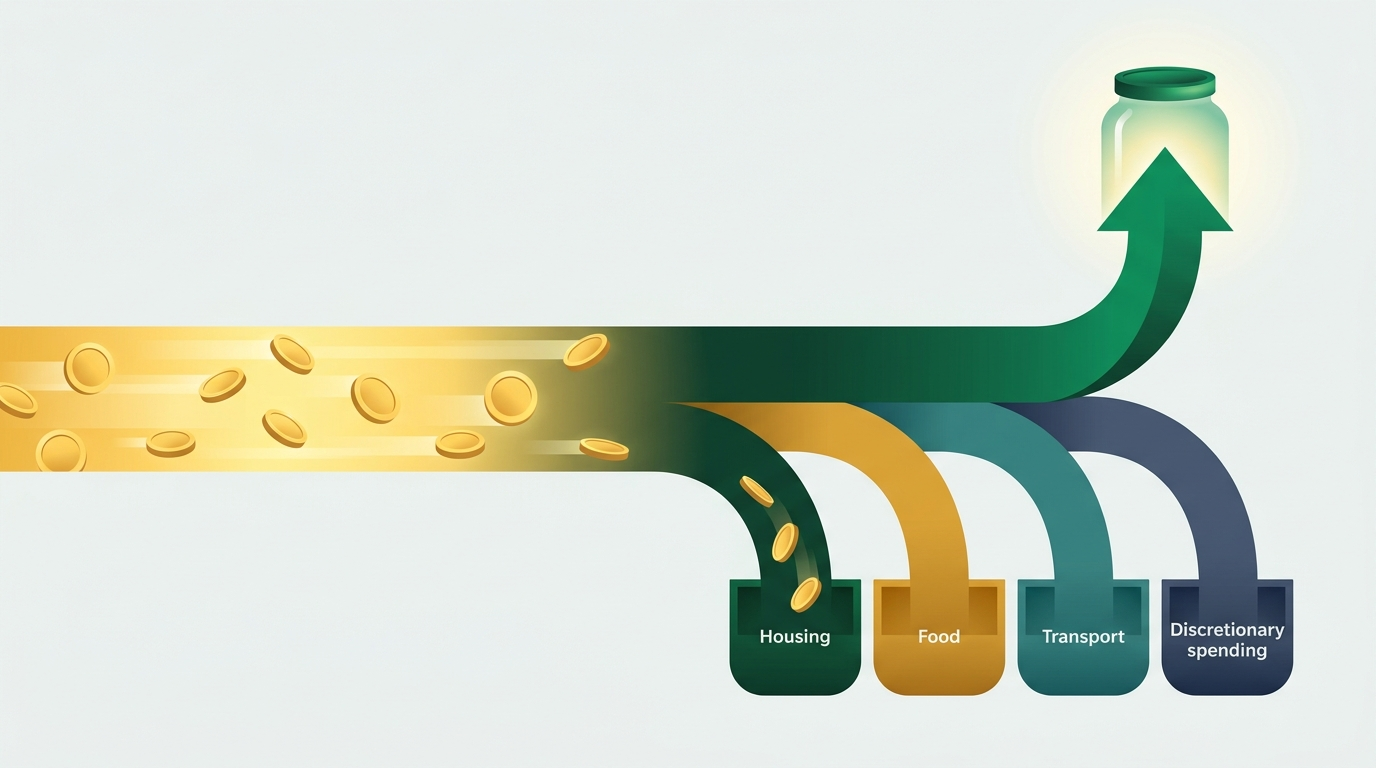
A command-line Python script that reads a CSV of card or bank transactions, groups charges by merchant, and picks out the ones repeating on a roughly monthly schedule. It doesn't just list them — it flags the specific reasons a charge is worth a second look: the amount is small enough to hide in a statement, the merchant name is too generic to place (PAYPAL *INST XFER tells you nothing about what you're actually paying for), or the price crept up since the first charge.
Who it serves
Someone who wants to run a subscription audit but doesn't want to manually scroll three months of statements circling recurring charges by hand — the approach NerdWallet and most personal-finance guides still recommend as the default method.
The money problem it addresses
C+R Research's 2022 subscription survey — still the benchmark figure cited across 2025–2026 coverage — found that people estimate they spend $86/month on subscriptions when the real number, tallied line by line, averages $219/month. Three-quarters of respondents said recurring charges are easy to forget, and 42% admitted to paying for something they'd already stopped using. The gap isn't because people don't care; it's that a $2.99 iCloud charge and a $9.99 line item labeled "PAYPAL" don't announce themselves on a statement full of groceries and gas. This script does the circling for you, and adds the two checks a manual read tends to skip: did this price go up since I signed up, and is this charge actually identifiable.
How it works
- Reads a JSON config pointing at a transaction CSV (
date, merchant, amount, category). - Normalizes merchant names — strips trailing store codes like
#4521— and groups charges by merchant. - Keeps a merchant only if it recurs at least
min_occurrencestimes (default 3) with an average gap close to 30 days. This is what keeps groceries and gas out of the results even when the same store shows up five times in a quarter — the charges are frequent, but the amounts and spacing are irregular, not subscription-like. - For every merchant that survives that filter, checks the first charge against the latest one and flags it if: the price rose past
price_hike_threshold_pct(default 15%), the amount sits undersmall_amount_review_threshold(default $5), or the merchant name matches a generic-keyword list (PAYPAL,SQ *,GOOGLE *). - Prints a report: every recurring charge with its monthly amount and flags, a monthly/annual total, and the same totals narrowed to just the flagged subset.
What's in this folder
requirements.md— the full behavior spec: inputs, detection rules, exit codes, and the known limitations (monthly cadence only, exact-match merchant grouping).script.py— the scanner itself. Standard library only,Decimalfor all money math, type-hinted, exits non-zero on a missing or malformed config/CSV.sample-config.json— the detection thresholds and file paths the script reads.sample-transactions.csv— three months of synthetic transactions: eight real recurring subscriptions mixed in with groceries, gas, and one-off purchases that look repetitive but aren't.sample-output.txt— the actual report the script prints when run against the sample data (captured from a real run, not typed by hand).
How to run / read it
python3 script.py --config sample-config.json
No setup beyond Python 3.10+. It reads sample-transactions.csv (named in the config), prints the report to stdout, and — if output_report is set in the config — writes the same text to a file.
Estimated impact
Against the sample dataset, the script surfaces $88.64/month ($1,063.68/year) in recurring charges across eight subscriptions, five of which get a review flag: a $2.99 iCloud charge, a $3.99 note-taking app, a $4.25 news subscription, a $9.99 charge labeled only "PAYPAL," and a Spotify plan that rose 20% ($9.99 → $11.99) partway through the window. That flagged subset alone is $33.21/month, or $398.52/year — the specific slice most likely to survive an unaided skim of a bank statement. On real data the number moves with what's actually in the account; NerdWallet's own writer found $1,470/year running this exact exercise by hand.
Good to know
This is a detection tool, not a bill-pay or cancellation service — it never touches a live account, and it only sees what's in the CSV you give it. It's tuned for monthly subscriptions specifically; an annual renewal (Amazon Prime, most insurance) needs a longer history window and a different cadence setting to catch, and the sample data deliberately includes one to show it getting correctly left out. The review flags are heuristics — small amount, vague merchant name, price jump — not proof that a charge is unwanted. Rates, offer terms, and subscription prices referenced here move over time; check your actual statement before canceling anything.
Sources
https://www.crresearch.com/blog/subscription-service-statistics-and-costs/— the $86 estimated vs. $219 actual monthly spend gap, the 74% "easy to forget" figure, and the 42% who pay for an unused subscription.https://www.nerdwallet.com/ca/p/article/finance/how-subscription-audit-helps-save-money— the manual statement-scan audit method (pull 2–3 months of statements, list every recurring charge) and the $1,470/year real-world result it grounds the impact estimate against.https://www.substract.co/blog/how-to-find-all-your-subscriptions— the specific blind spots (sub-$5 charges, cryptic merchant names, PayPal-masked charges) that shaped which review flags the script checks for.
Requirements
Requirements — Subscription Audit Scanner
Purpose
Detect recurring monthly charges in a transaction export and flag the subset most likely to be a forgotten, low-value, or recently-hiked subscription, so the user has a short, prioritized list instead of a full statement to re-read line by line.
Inputs
- A JSON config file (default
sample-config.json) specifying:input_csv— path to the transaction export.output_report— path to write the rendered report (optional).min_occurrences— minimum charge count to qualify as recurring (default3).cadence_target_days/cadence_tolerance_days— accepted gap window between charges, in days (defaults30/7, i.e. monthly).price_hike_threshold_pct— percent change between first and last charge that triggers a price-change flag (default15).small_amount_review_threshold— dollar amount below which a stable recurring charge is still flagged for review (default5.00).generic_merchant_keywords— substrings (e.g.PAYPAL) that mark a merchant name as too generic to identify from the statement alone.
- A CSV transaction export with columns
date(YYYY-MM-DD),merchant,amount,category.
Behavior
- Load and validate the config; exit
1with a stderr message if the config file or the CSV it references is missing or malformed. - Parse every transaction row; exit
1with a stderr message on a malformed row (bad date or non-numeric amount). - Normalize merchant names by stripping trailing store/location codes (e.g.
PLANET FITNESS #4521→PLANET FITNESS) and uppercasing. - Group transactions by normalized merchant. A merchant qualifies as "recurring" only if it has at least
min_occurrencescharges and its average gap between consecutive charges falls insidecadence_target_days ± cadence_tolerance_days. This intentionally excludes frequent-but-irregular spending (groceries, gas) even when the same merchant appears many times. - For each recurring merchant, compare the first and last charge amount:
- Flag
price changeif the percent change is at or aboveprice_hike_threshold_pct. - Flag
small recurring amountif the latest charge is belowsmall_amount_review_threshold. - Flag
generic merchant nameif the normalized merchant contains anygeneric_merchant_keywordssubstring.
- Flag
- Print a plain-text report to stdout: each recurring merchant with its monthly amount, occurrence count, first/last date, and any review flags, followed by a monthly/annualized total and a monthly/annualized total for just the flagged subset.
- If
output_reportis set in the config, write the same report text to that path. - Exit
0on a successful run (including a run that finds zero recurring charges),1on any input error.
Non-functional requirements
- Standard library only — no third-party dependencies, no network calls.
- Money math uses
decimal.Decimal, never binary floats. - Every function signature is type-hinted.
- No hard-coded secrets; the script only ever touches the local files named in the config.
- Deterministic: the same CSV + config always produces byte-identical report text.
Known limitations (by design, not bugs)
- Detects monthly-cadence subscriptions only (the default
cadence_target_days/tolerance window). An annual charge (e.g. an Amazon Prime renewal) needs 24+ months of history and acadence_target_daysof ~365 to be classified as recurring — with 3 months of data it correctly shows up as ordinary spending, not a subscription. - Merchant matching is exact-after-normalization, not fuzzy. A subscription that changes its statement descriptor (e.g. a rebrand) will show up as a new, separate merchant and needs
min_occurrencescharges again before it's flagged. - "Review flags" are heuristics (small amount, generic name, price jump), not proof of an unwanted charge — the user still decides what to cancel.
More from Financial Ideas